The 7 Best Apps Every US Rideshare Driver Should Have on Their Phone in 2026
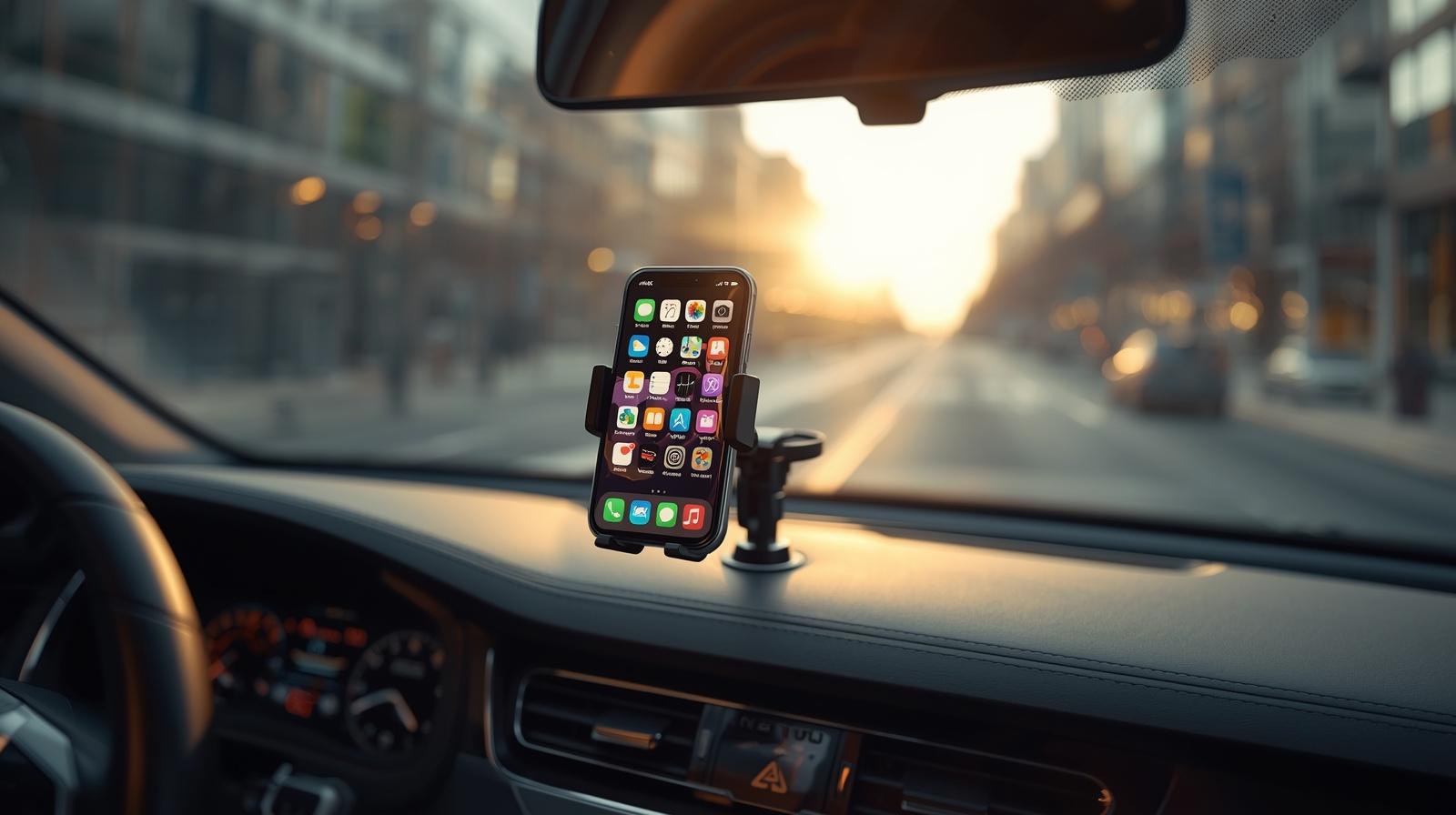
Your phone is your office. As a rideshare driver, every dollar you make and every dollar you save runs through that screen. The drivers I see making the most money and the ones with the lowest stress aren't necessarily the ones grinding the most hours. They're the ones who've built a smart toolkit of apps that automate the boring stuff, find the high-paying spots, and protect them at tax time.
Most drivers run with too few apps and miss thousands of dollars a year in deductions, gas savings, and earnings opportunities. A few run with way too many, switching between 12 apps mid-shift and burning their phone battery to 5% by 8 PM.
This post is the right setup. Seven apps, each one earning its place on your home screen. I'll explain what each one actually does, why it matters, and which ones are worth paying for vs. the free version.
Let's get into it.
1. A Mileage Tracker: Gridwise, Stride, or Everlance
If you take only one thing from this post, take this: install a mileage tracker today.
The IRS standard mileage rate for 2026 is 72.5 cents per mile. A driver who logs 30,000 business miles a year is claiming about $21,750 in deductions. That translates to roughly $5,000–$6,500 in real tax savings depending on your bracket. Without proper tracking, you lose that money.
The platforms (Uber, Lyft, DoorDash) report some of your miles, but consistently underreport — they only count "engaged" miles, missing all the deadhead miles between rides, drives to gas stations, drives to airports, and so on. Those uncounted miles are deductible but only if you tracked them.
Three apps dominate this category in 2026:
Gridwise (free, with $9.99/month Plus tier). Currently the most popular all-in-one app for gig drivers. Free version offers manual mileage tracking; Plus version automates it and adds airport queue alerts, demand heat maps, and earnings imports across Uber, Lyft, DoorDash, Instacart, Amazon Flex, and 20+ other platforms. Best pick if you multi-app.
Stride (completely free). A favorite for years because it's straightforward, free forever, and produces clean IRS-ready reports. Manual start/stop only ; you have to remember to tap record. Best pick for drivers who only want a simple, reliable tool with zero subscription.
Everlance (free for up to 30 trips/month, $8/month for unlimited). Best automatic detection of any tracker in the category. Premium plans add bank syncing and receipt OCR. Best pick if you also need expense receipt management.
My honest take: start with Stride if you're cost-conscious. Upgrade to Gridwise Plus if you multi-app and want demand intelligence. Everlance if you have a lot of expense receipts to manage.
Whatever you choose, install it today. Every untracked mile is money you're handing back to the IRS for no reason.
2. Waze (Free): The Better Navigation App
Uber and Lyft both default to their built-in navigation, which is often slower than dedicated nav apps. Most experienced drivers I know switch to Waze for actual driving and only use the platform's nav for the final pickup pin.
Why Waze beats Google Maps for rideshare:
Real-time hazard alerts from millions of users (cops, accidents, stalled vehicles, road debris)
More aggressive routing ; actually saves time on Houston-style sprawl markets
Better traffic prediction during peak hours
Free forever, no premium tier needed
The setup most veteran drivers use: Waze running in CarPlay or Android Auto with the rideshare app in the background. When you accept a trip, copy the address into Waze and let Waze handle the driving while the rideshare app handles the trip status.
Apple Maps has improved a lot in 2026 and is a solid backup, especially in major metros. Google Maps is fine for finding addresses but consistently slower for actual driving than Waze in most US markets.
3. GasBuddy or Upside (Free): Gas Money Adds Up Fast
If you're driving 1,000 miles a week, you're filling up 2–3 times per week. The difference between the cheapest and most expensive gas station within a 5-mile radius is usually $0.30–$0.50 per gallon. Across a year, that's $400–$600 in pure savings.
Two free apps own this space:
GasBuddy. Crowdsourced real-time gas prices at every station near you. Filter by price, brand, or amenities. Their Pay+ debit card knocks an extra $0.05–$0.25 off per gallon at participating stations. Free, simple, works.
Upside. Cash-back app for gas, food, and groceries. Each station offers a custom cents-per-gallon back (typically $0.05–$0.25). Stack with GasBuddy and you're looking at real savings every fill-up. Cash out via PayPal, Venmo, or bank transfer. Lots of drivers report saving $30–$60 a month using Upside alone.
Run both. They take 30 seconds to use and put real money back in your pocket every week.
4. Your Platform Driver Apps + Multi-App Strategy
Obviously, Uber Driver and Lyft Driver are on this list. But the smarter move in 2026 is treating them as one toolkit, not separate apps.
The drivers I see clearing the most weekly income don't grind one platform. They run at least two of these simultaneously:
Uber Driver (highest volume in most markets)
Lyft Driver (often higher tips, friendlier riders)
DoorDash (food delivery for slow rideshare hours)
Uber Eats (built-in to your Uber Driver app)
Instacart (grocery shopping for off-peak times)
The setup that works:
Uber Driver and Lyft Driver running simultaneously during peak rideshare windows (6–9 AM, 4–8 PM, weekend nights)
DoorDash running during slow midday hours (10 AM – 2 PM weekdays)
Whichever pings first wins — you accept it, complete it, and switch back to dual-app mode
Multi-apping requires real discipline (don't accept orders you can't complete on time), but it's the single biggest difference between drivers grossing $1,000/week and drivers grossing $1,800/week in the same market.
5. A Driver Community App: RideShareGuides or Similar
Here's the underrated category most drivers ignore. A good driver community app gives you something the platform apps can't: real intelligence from other drivers in your market.
What this looks like in practice:
Real-time updates on which airport queues are short
Heads-up on platform glitches, deactivation issues, or surge zones that haven't shown up yet
Insurance experiences (which carriers actually paid out, which dropped drivers after a claim)
City-specific tips that don't make it into national rideshare blogs
RideShareGuides.com is the one I'd point a new US driver toward in 2026. It combines a free digital business card and Personal Driver ID (so passengers can find you for direct bookings down the line), a public driver directory, and forums where drivers swap real intel by city. Basically all the stuff this blog series keeps coming back to in a single place.
Whether you use that one or another driver community, the principle is the same: don't drive in isolation. The drivers who tap into community knowledge consistently outperform the ones grinding alone.
6. A Dashcam App or Safety App
A dashcam isn't strictly an app ; it's hardware but several apps work alongside one to boost driver safety. And for rideshare drivers, dashcams have moved from "nice to have" to "essential equipment."
Why every rideshare driver should run a dashcam:
Protection in disputed claims (passenger vomit, alleged behavior, accidents)
Deters bad behavior before it starts (visible dashcams = better passenger conduct)
Insurance companies often offer discounts for dashcam users
Required evidence in many recent driver vs passenger disputes
Hardware to consider: Vantrue N4, BlackVue DR900X, Garmin Dash Cam Tandem
App-based safety tools:
Nexar. A dashcam app that runs on your phone if you don't have a dedicated dashcam. Limited but useful as a backup.
bSafe. Personal safety app with SOS button and live location sharing with trusted contacts. Free version is functional; premium has live audio/video streaming.
Citizen. Real-time crime and safety alerts in your city. Useful for knowing which areas to avoid late at night.
For US rideshare drivers, especially those working late nights, treating safety tech as essential not optional is the move in 2026.
7. A Tax Prep App You'll Actually Use in April
Here's the one most drivers skip until April and regret. Get a tax prep app set up now, feed it data throughout the year, and your April tax filing becomes an afternoon instead of a weekend nightmare.
Top picks for 1099 rideshare drivers:
Keeper Tax. Specifically designed for gig workers. Connects to your bank, automatically identifies deductible expenses, and integrates with mileage trackers. Has a built-in tax filing service. Costs about $20/month plus a flat filing fee — but the time saved and deductions identified usually pay for it 5x over.
TurboTax Self-Employed. The default for a reason. Strong gig worker support, integrates with QuickBooks, handles Schedule C and SE tax properly. More expensive than competitors but reliable.
FreeTaxUSA. The cheap, no-frills option. Federal filing is free; state filing is $14.99. Handles Schedule C just fine. Best pick for drivers who want to do their own taxes without paying $200 to TurboTax.
Hurdlr. A solid all-in-one for gig workers — tracks mileage, expenses, and projects quarterly tax estimates throughout the year. Free version is decent; Premium runs about $10/month.
The move: pick one app, link it to your bank account and mileage tracker, and let it run all year. Come tax time, your numbers are already organized. Drivers who do this consistently save 5–10 hours of paperwork and find more deductions than drivers who scramble in April.
A Few Apps That Aren't Worth Your Phone Storage
Quick honorable-mentions of apps I see drivers install and rarely actually use:
Most "make extra money" apps. Survey apps, gig apps, etc. Time better spent driving.
Reward apps for chains you don't visit. Starbucks rewards is great if you go to Starbucks. Useless otherwise.
Anything that drains battery without producing income. Background apps eating 8% battery per hour are the hidden enemy of long shifts.
Audit your phone twice a year. Delete what's not earning its keep.
The Honest Setup You Should Run
If I had to draw the actual phone setup for a US rideshare driver in 2026, here it is:
Home screen: Uber Driver, Lyft Driver, Waze, mileage tracker (Gridwise/Stride/Everlance)
Second screen: GasBuddy/Upside, DoorDash (for multi-apping), driver community app, safety app
Folder labeled "Money": Tax prep app, bank app, expense tracker
Always running in background: mileage tracker (auto-tracking), platform apps when on shift
Phone fully charged before every shift. Car charger in the cup holder. Spare battery pack in the glove compartment. Phone mount that doesn't block your view.
That's your office. Treat it like one.
A Final Note
The drivers I see lasting in this game are the ones who stop thinking of rideshare as "I just drive around and wait for pings" and start thinking of it as "I run a small transportation business with a smart toolkit." The apps above are most of the toolkit. The mindset shift is the rest.
Pick the ones that fit your situation, install them this week, and let them quietly do their job in the background. The drivers who treat technology as their employee not their distraction outperform the drivers who don't every single time.
Build the right setup, and the apps pay you back tenfold in tax savings, gas savings, smarter routing, and protected income. That's what every dollar of phone storage should be earning.
This guide is general information for US rideshare drivers based on publicly available 2026 app features and pricing. Apps update their features and pricing regularly verify current offerings before committing to paid plans.
Comments
Sign in to join the conversation
Sign In