CarPlay vs Android Auto vs Built-in Infotainment for Rideshare Drivers
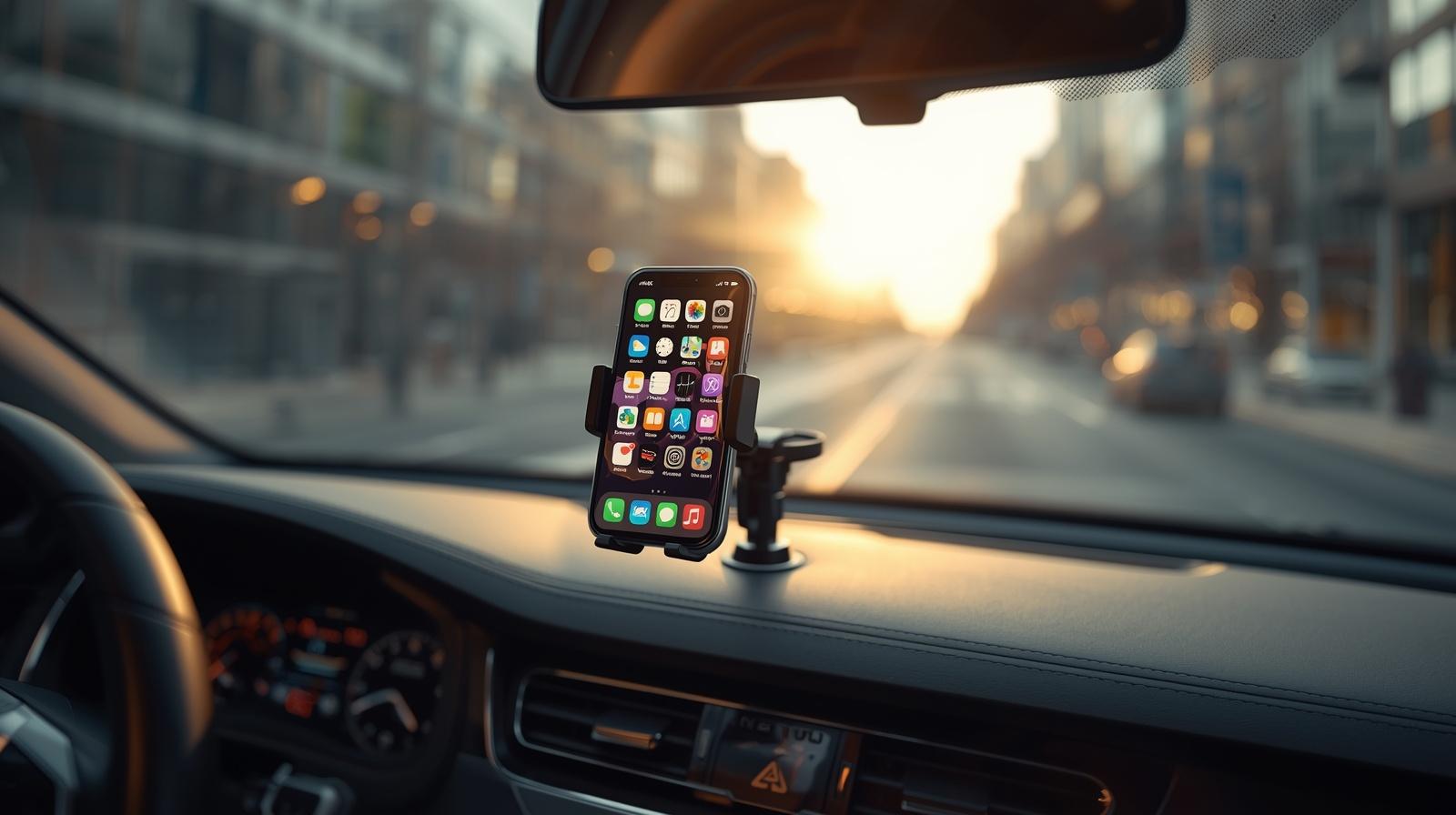
If you drive Uber or Lyft, your phone runs your business. The question is how that phone connects to your car. The three options are Apple CarPlay, Android Auto, or whatever built-in infotainment system came with your vehicle.
Most drivers default to whatever is easiest. The pros pick deliberately, because the wrong setup costs you missed pings, wrong turns, and frustrated passengers.
Here's the honest comparison for working drivers in 2026.
Apple CarPlay
CarPlay mirrors your iPhone to the car's screen with a clean, simplified interface. You get Maps, Waze, Google Maps, your music, messages, and phone calls.
What works for drivers:
Clean, distraction-free interface designed for driving Waze, Google Maps, and Apple Maps all run natively Siri works hands-free for sending messages or asking for directions Most new vehicles from 2018 onward support it Wireless CarPlay is now standard on most 2023+ vehicles
What doesn't work:
Uber Driver and Lyft Driver apps do NOT run on CarPlay. They have to stay on your phone. This means you need a phone mount even with CarPlay Some older cars only support wired CarPlay, meaning you need a Lightning or USB-C cable plugged in every shift
The realistic setup most CarPlay drivers use: phone in a mount running the rideshare apps, CarPlay running Waze or Google Maps on the car screen.
Android Auto
Android Auto is Google's version, doing essentially the same thing for Android phones. Mirror to car screen, simplified interface, voice control via Google Assistant.
What works for drivers:
Native Google Maps and Waze integration (slightly cleaner than CarPlay's version) Google Assistant is generally more accurate than Siri for voice commands Wireless Android Auto is now standard on most newer vehicles Strong text-to-speech for incoming messages
What doesn't work:
Same limitation as CarPlay: Uber Driver and Lyft Driver apps do not run on Android Auto You still need a phone mount Connection drops can be more frequent than CarPlay on some vehicle brands
The setup is identical to CarPlay drivers: phone in mount for the platform apps, Android Auto on the car screen for navigation.
Built-In Infotainment (Manufacturer's Native System)
Your car came with its own navigation, audio, and connectivity system. Toyota's, Honda's, Hyundai's, GM's, Ford's, Tesla's. These vary wildly in quality.
What works:
No phone connection needed for basic functions Good integration with car features (HVAC, vehicle settings) Always-on, no Bluetooth or cable issues
What doesn't work for rideshare drivers:
Most built-in navigation is significantly worse than Waze or Google Maps No integration with Uber Driver or Lyft Driver Manufacturer map updates are slow (some take years to update construction zones) You will end up using your phone anyway
The honest verdict: built-in infotainment is fine for personal use but it is not a serious rideshare driver tool. The only exception is Tesla, whose built-in navigation is competitive with Google Maps for real-time routing.
The Setup That Actually Works for Rideshare
After watching how full-time drivers actually configure their cars, here is the setup that wins:
Phone in a solid mount, charging via fast charger Uber Driver and Lyft Driver running on the phone (because they cannot run anywhere else) CarPlay or Android Auto running on the car screen for navigation Waze as the primary navigation, Google Maps as backup Bluetooth audio for music or podcasts during dead time
This dual-screen approach is the standard for a reason. The car screen handles navigation. The phone handles rideshare. Each one does what it does best.
A Practical Note on Battery and Connection
CarPlay and Android Auto drain your phone battery faster than you might expect, even with charging. Long shifts can still end with a phone at 30% if your charger is not delivering enough wattage.
The fix: a USB-C Power Delivery charger or fast Lightning charger that delivers at least 30W. Cheap chargers are why so many drivers see their battery drop during shifts.
The Bigger Picture for Drivers
CarPlay and Android Auto are tools to make your driving setup more efficient. They are not replacements for treating your rideshare work like a real business.
The drivers who do well in 2026 are not just optimizing their dashboard layouts. They are building systems for the whole business: smart tax tracking, the right insurance coverage, multi-app strategy, and direct client relationships that pay better than any platform algorithm.
That last piece matters more every year as platform pay gets squeezed. Drivers who build a private client base, repeat passengers, hotel concierge contacts, corporate accounts, have income the platforms cannot touch. Tools like RideShareGuides.com offer free digital business cards and driver IDs specifically designed for US rideshare drivers building this kind of direct booking business alongside their app work.
Get the car setup right. Then get the business setup right.
So-
If your car supports it: use CarPlay or Android Auto for navigation, keep your phone mounted for the rideshare apps. That is the working driver standard in 2026.
If your car is older with only built-in infotainment: stick with your phone for everything. The factory nav is not worth fighting with.
Either way, the technology is just the foundation. What you build on top of it is what determines whether rideshare pays for your life or just barely covers your bills.
Drive smart, set up smart, and build the business that survives the next pricing change.
Comments
Sign in to join the conversation
Sign In